What Makes Docparser Different from Other Tools?
Get started quickly with one of our bank statement templates
Docparser offers pre-built templates for common bank and credit card statements like:
- Chase
- HSBC
- NatWest
- Capital One
- And more
If you receive bank statements from a different bank, you can still build your custom parser from scratch.
No more cleaning up data: customize outputs for maximum accuracy
Inefficient tools will force you to verify the accuracy of extracted data and painstakingly clean it up to make sure no errors fall through the cracks. Well, that is not the case with Docparser. You build customized parsing rules once and you’re done. When it comes to tables, you have many customization options:
- Filter rows based on specific criteria
- Merge columns together
- Calculate new columns
- And more
Your Parser will extract data accurately, eliminating the need for manual touch-ups. This makes the parsing setup a one-and-done process: set it once and automate your bank statement extraction needs forever.
Export data to Xero, QuickBooks, or any cloud platform & API
You can connect Docparser to thousands of apps through Zapier or access the API to build custom workflows. This means no more copy-pasting between tools — your data flows automatically into the systems that keep your business running.

Your data stays secure in Docparser
When working with sensitive information, security is non-negotiable. Unlike tools that may compromise privacy or accuracy, Docparser was built with compliance and reliability in mind. All data is encrypted in transit and at rest, and Docparser is fully GDPR-compliant. You remain in control of your documents and outputs, with the assurance that your data is processed safely and stays protected at all times.
Leverage DocparserAI, our AI-powered parsing engine
In addition to its OCR engine, Docparser has an AI-powered parsing engine called DocparserAI that enables more features:
We’re always looking to expand the range of Docparser’s use cases. This makes it far beyond a tool to extract data from bank statements: it’s your one-stop solution for all your data extraction needs.

More than Parsing: Automate Your Workflows End-to-End
What’s even better than automating data entry is automating multi-step, data-driven workflows. From parsing documents to structuring data and downloading it or sending it to a downstream business tool, the automation of these processes unlocks new thresholds of efficiency that move the needle for your business.
Process loan applications
Processing loan applications is notoriously time-consuming. Thankfully, automated data unlocks the path to automating much of this workflow:
- Docparser parses incoming bank statements upon upload, extracting financial data into structured fields.
- Docparser sends the data into Excel Online or a loan management system.
- Automated credit assessment triggers based on predefined thresholds.
- Clean, structured reports are generated for faster approvals.
By cutting out manual data entry and financial analysis prep, lenders can accelerate application processing, reduce errors, and deliver quicker decisions to customers.

Streamline bank reconciliation
Reconciliation is often one of the most laborious tasks in finance. Matching transactions manually against records drains hours that could be spent elsewhere. But with the right tools in place, this workflow can become nearly hands-free:
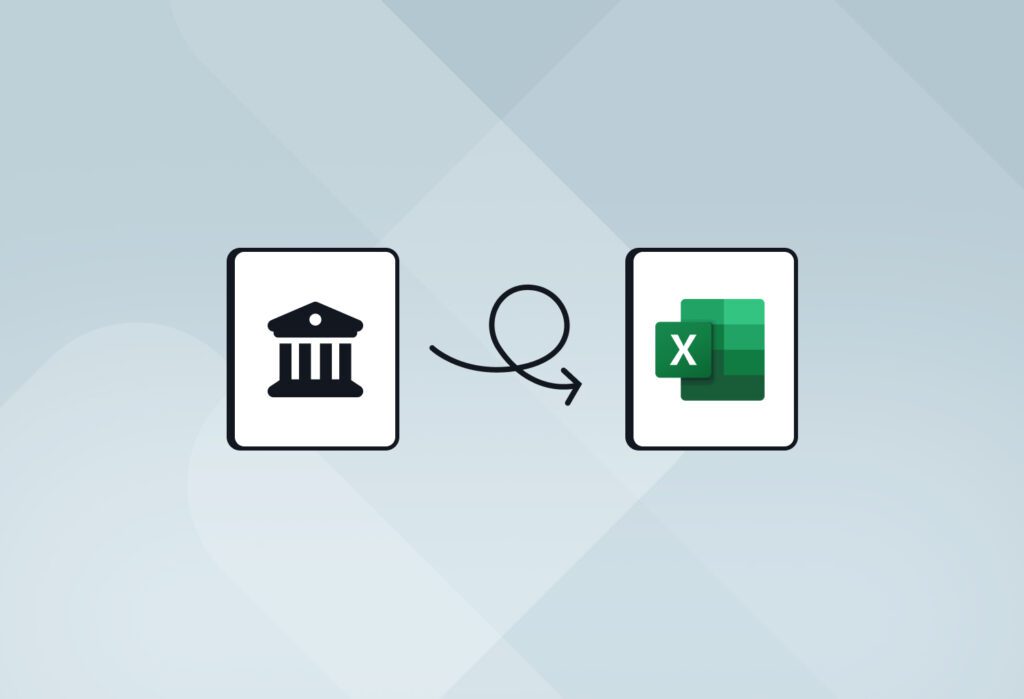
- Docparser automatically extracts data from bank statements to Excel (or any other tool).
- Predefined parameters auto-match transactions with ledger entries.
- The system instantly flags exceptions or discrepancies for review.
- Lastly, it generates a reconciliation summary report without manual intervention.
This level of automation allows finance teams to close books faster, minimize mistakes, and focus more on work that requires human judgment.
Enhance financial reporting
Preparing accurate financial reports usually requires gathering and consolidating large volumes of data from multiple bank statements. Docparser removes the manual grind from this process:
- Docparser automatically parses bank statements into structured datasets.
- It routes data into reporting tools or business intelligence dashboards in real time.
- Predefined rules group and categorize transactions consistently.
- The system generates monthly, quarterly, or annual reports automatically.
- Reports get updated dynamically whenever you add new bank statements.
By automating reporting, finance professionals gain faster insights, reduce the risk of errors, and keep leadership updated with accurate, up-to-the-minute financial data.