
CRM Data Entry Automation Made Easy With Docparser
If you’re looking for a way to automate your CRM data entry and grow your business, this article is perfect for you. The average office worker spends approximately two hours a day entering data into CRM systems. Whether you are in sales, real estate, or another industry that utilizes the power of a CRM, automating […]
Extract Data from Word to Excel to Boost Employee Efficiency
If manually copy and pasting data from Word documents to Excel is part of your daily workflow, we understand how frustrating and time consuming this can be. From hunting down the right document to finding the right information to copying and pasting the data and sharing it with colleagues, employee effectiveness ends up being seriously […]
How MATERIALESDEFABRICA Uses Docparser for Invoice Organization

PDFs are an integral part of any business. Whether they’re invoices, purchase orders, bank statements, or bills of lading, businesses need to find a way to automate the processing and organization of the data in those documents. This is where Docparser comes in. As a cloud-based B2B SaaS, we extract data locked inside of documents […]
How to Convert PDF to Excel with Docparser
PDFs are used for a variety of reasons from Business, to Government and Education. Their ability to be viewed from a broad range of environments makes them especially appealing for exchanging important data. However, batch converting PDFs to Excel can be a challenging task without the right tools. This article explains how to easily convert PDF […]
7 Back-Office Processes Automation Steps to Help Manufacturers Save

The manufacturing industry is certainly no stranger to automation. While production processes on the factory floor have seen astounding advances every decade for the past forty years, back-office processes have tended to lag behind, and many manufacturing companies are still drowning in paper, repetitive manual tasks, and legacy systems.
10 Retail Store Automation Examples That Save Hours Each Day!
Retail store owners and mom-and-pop shops all over the word are steadily introducing retail automation tools and software into their brick-and-mortar businesses. The benefits are just too irresistible. Whether you’re a bootstrapped SaaS company or a B2B business, automating parts of your small business can literally save hours of work each day for store owners […]
Data Extraction Overview: Use Cases and Real Examples
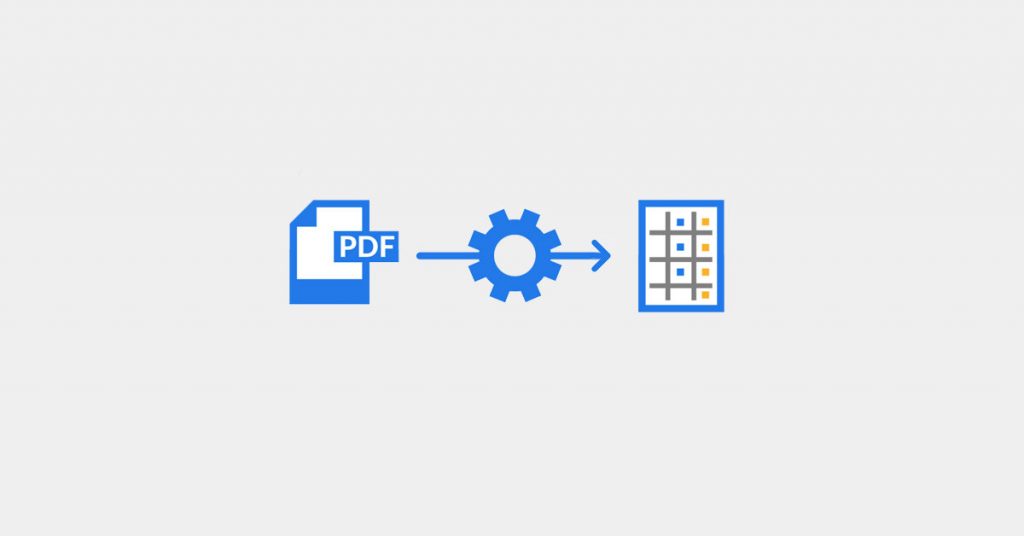
Using data extraction can transform your business. Although it is easy to get started with, it can take some time to realize what it can actually do for your business. If you’ve ever had questions about data extraction and wanted a better understanding of it, then you’re in the right place.
How to Schedule Download Tasks on Windows
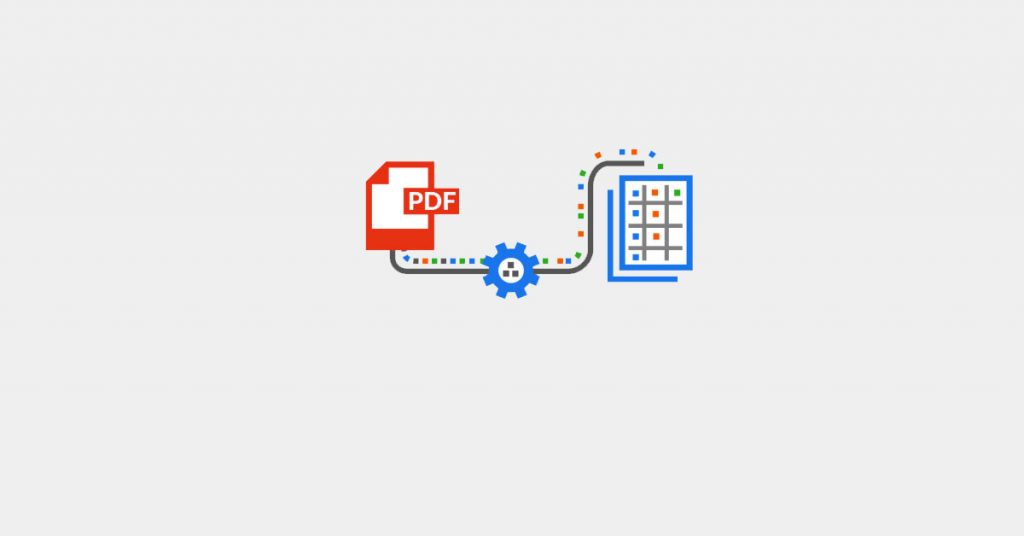
To add an even greater level of automation to your workflow, Windows machines can be configured to automatically schedule download and save a copy of your parsed data each day without having to install any software. Please note this guide is written for experienced users and does require some knowledge of Task Scheduler.
How to Extract Text from a PDF in Seconds: 3 Simple Steps
Do you struggle to extract text from PDFs? If you’re tired of wasting time inputting data manually or using OCR tools that don’t give accurate results, you’re at the right place. Docparser is an AI-powered document parser that turns PDFs into accurate, structured data in seconds. It helps you save hours of tedious work, prevent […]
The Best Software to Extract Tables from PDF
Converting scanned files to PDF (Portable Document Format) and extracting tables from PDF is necessary in today’s modern times. Often, essential business data is trapped inside these documents, and extracting data from PDF is, unfortunately, more often than not, a manual and tedious task. This task becomes even more daunting when you need to extract tables from PDFs or scanned images. […]
