
Bill of Lading: Definition, Types, and Importance

A bill of lading is a legal shipping document used in domestic and international trade as proof of shipment, a receipt of goods, a contract of carriage, and a document of title. With an estimated 45 million bills of lading issued annually, their widespread use makes it essential for anyone handling shipments to understand their […]
How to Use Docparser for Invoice Automation
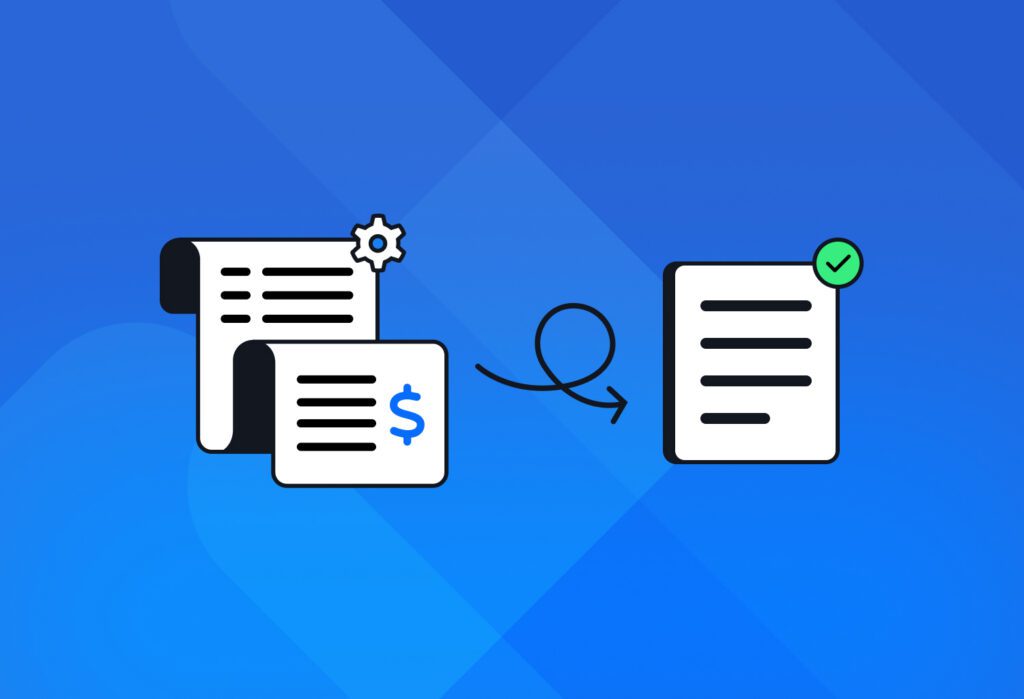
Accounts Payable teams often spend long hours inputting data from invoices into spreadsheets and accounting systems. This can really hurt business. Why? Because manual data entry has high error rates, delays invoice payment, and hinders efficient scaling. Industry research shows that automated invoice processing can cost 50% to 80% less than manual, paper-based invoice processing. […]
Parse PDF to Text and Automate Workflows End-to-End
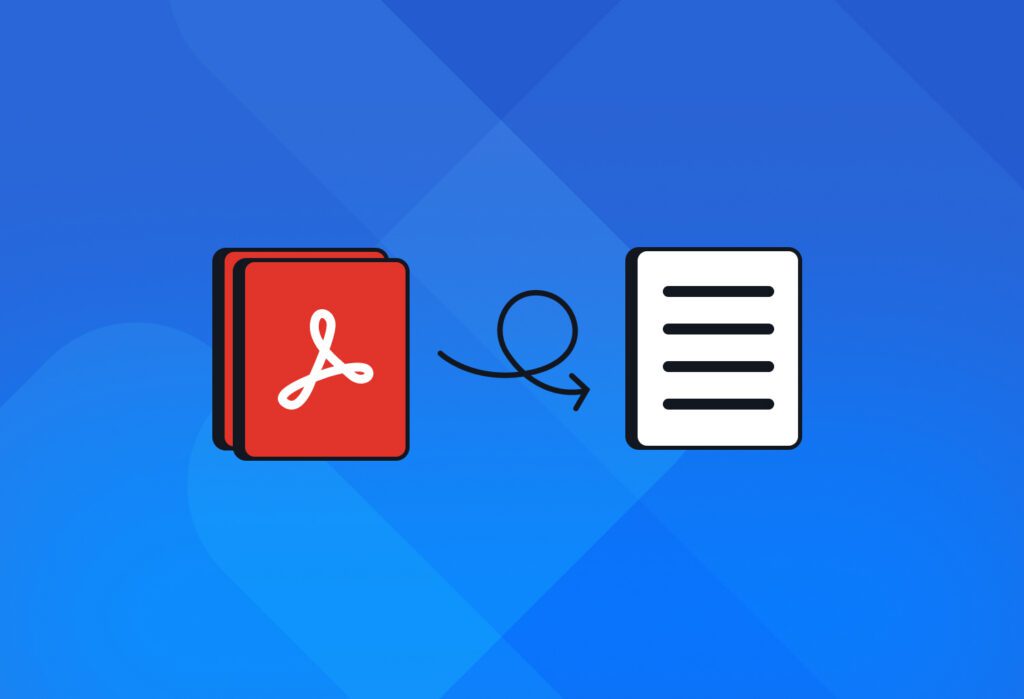
PDFs often lock important data in a format that systems can’t easily read or use. If you regularly process documents and lose hours manually inputting text, Docparser is built for you. Use it to parse PDF to text automatically and save several hours of manual work every week. Whether it’s invoices, contracts, or other recurring […]
Document Control Explained: Basics, Components, & Benefits

Have you ever had a last-minute panic before an audit because you couldn’t find a document or weren’t sure which version was approved? It must be incredibly stressful to go through this. This kind of scenario is actually not uncommon. According to a study by Adobe, 71% of employees report that poor digital organization hinders […]
Need a Receipt Scanner? Turn Receipts to Structured Data With Docparser

Do you have business receipts you need to input into your accounting system? Well, you don’t need to buy a physical receipt scanner. Just take pictures of your receipts with your phone, upload them to Docparser – our document parsing tool – and turn them into clean, structured data – all in minutes. You no […]
Convert CSV to JSON in Bulk and Automate Your Processes
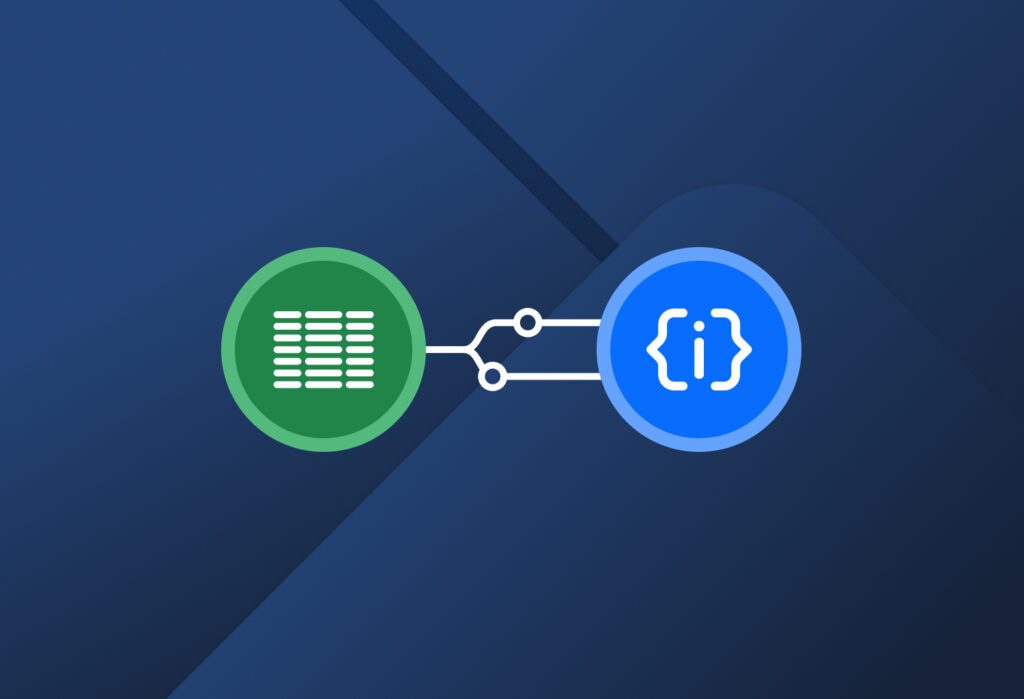
Do you often work with CSV and JSON files? Both formats have their advantages – the former stores table data in a spreadsheet-friendly layout, while the latter preserves structure and hierarchy, making data easier for apps and systems to read and use. However, sometimes you have data in CSV files that you need in JSON […]
Semi-Structured Data: What It Is And How to Extract It Easily
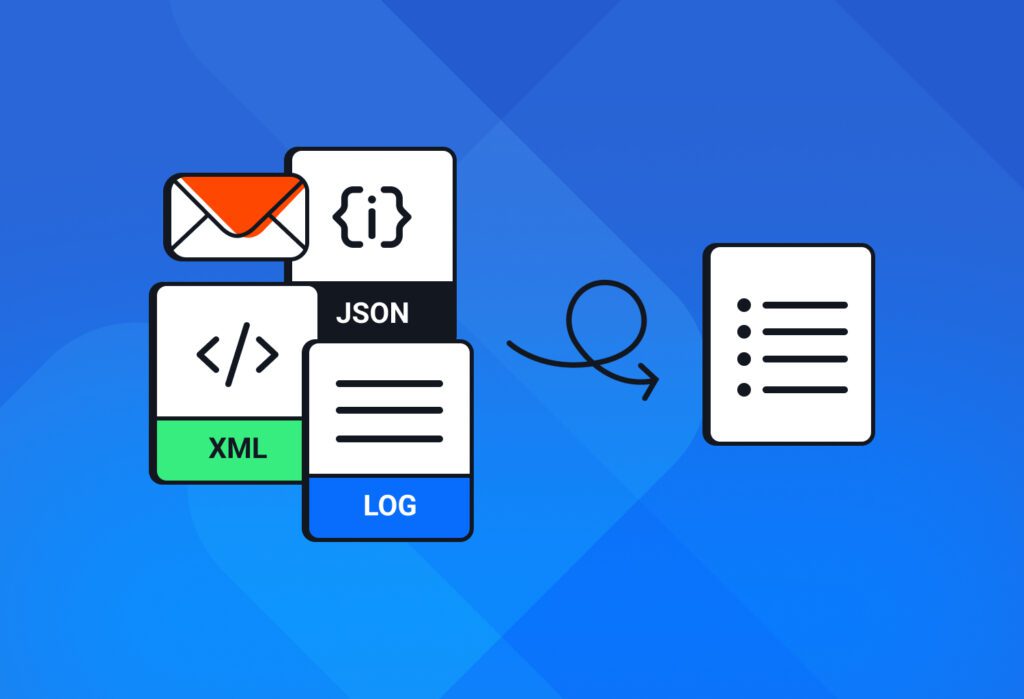
Semi-structured data is one of the most common types of information that businesses handle today, and yet it’s often misunderstood. Unlike structured data, which fits perfectly into rows and columns, or unstructured data, which has no predefined format, semi-structured data sits in between. In this guide, we discuss what semi-structured data is, why it’s important, […]
Export Bank Statements to Excel & Put Workflows On Autopilot
Getting bank statement data out of a PDF file and into a clean Excel spreadsheet is a common struggle for many professionals. Between complex layouts, formatting issues, cleaning up data, security concerns, and more, what should be a simple process can turn into a big issue. You lose precious time, feel stressed, and make avoidable […]
Fast and Simple PDF to Airtable Parsing Solution With Docparser

Airtable has continuously grown in popularity over the years, with over 500,000 organizations using it as of 2025. From CRM to project management, planning of resources or events, competitive analysis… Organizations use Airtable to organize data, streamline workflows, and collaborate on projects in a database-driven system. Airtable allows them to overcome the limitations of using […]
Convert Handwriting to Text for Smarter Workflow Automation
Handwriting recognition has made great strides in recent years thanks to technologies like OCR and LLMs. If you handle documents that contain handwritten information, you no longer have to spend time transcribing it. Instead, you can simply use a tool to convert handwriting to text. If that’s what you’re looking for, how about trying Docparser? […]

