
What Is Expense Tracking Software?
Expense tracking software is a software tool that helps businesses record, categorize, track, and report business expenses easily and in real-time.
Instead of relying on manual processes, which are tedious and error-prone, your business can centralize all expense information and processes in one system.
In practice, it works like this:
- Employees submit expenses.
- The software categorizes each expense and checks it against policy rules.
- It routes validated expenses to an approver.
- The approver reviews each expense and approves or rejects it.
- Approved expenses are marked for reimbursement or sent to the accounting system for payment processing.
- Expenses are periodically consolidated into dashboards, reports, and forecasts.
Key features of business and expense tracking software
Most expense tracking software includes the following features:
- Recording and submitting expenses: options include manual entry, receipt scanning, or card sync.
- Categorizing expenses (office supplies, utilities, travel, software subscriptions, marketing, etc.).
- Creating approval workflows with pre-defined rules and conditions.
- Flagging policy violations (spending limits, duplicate receipts, late submissions, etc.).
- Generating audit-ready reports.
- Integrations with accounting or ERP systems.
- Mobile access for employees who need to capture and submit expenses on the go.
- Reimbursement processing through payroll or finance systems.
- Dashboards and analytics for spending visibility and forecasting.
- Receipt storage and centralized document management.
Benefits of Using Expense Tracking Software
In 2026, using expense tracking software has become a necessity for many businesses due to the high cost of manual tracking. The key benefits of using tracking tools are digitizing receipts, improving spending visibility and policy compliance, faster reimbursements, and enhanced audit-readiness.
Digitize receipts and workflows
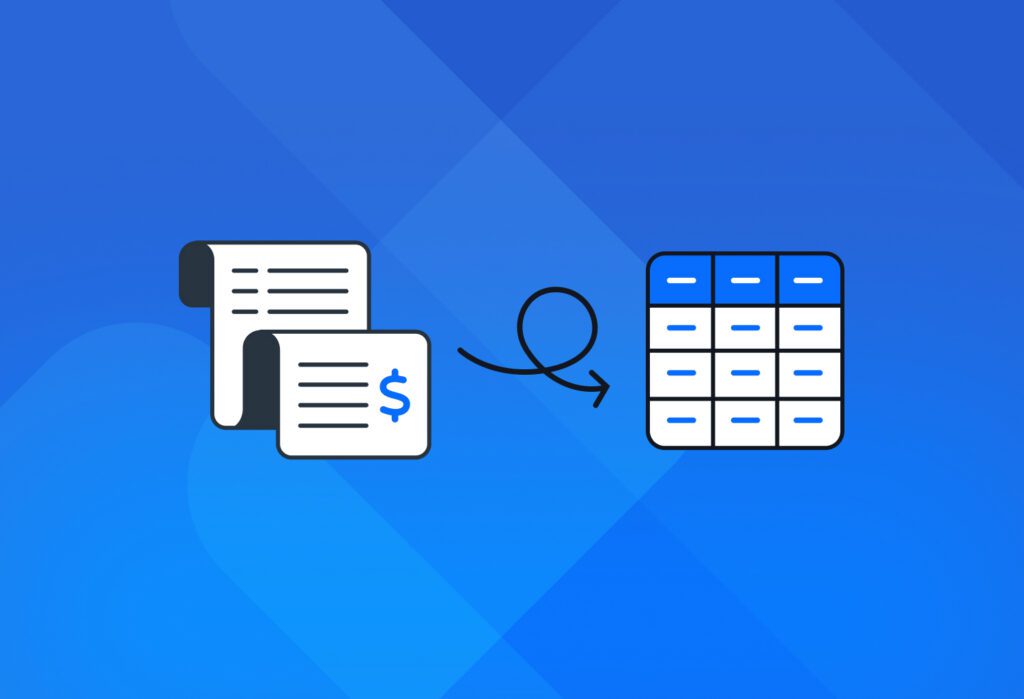
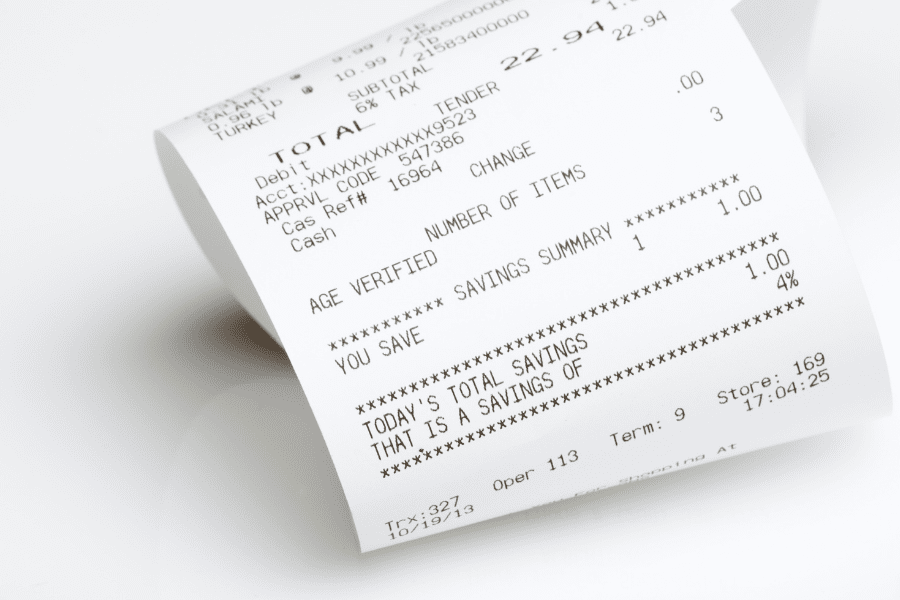
By capturing receipt data and adding it to a single source of truth, employees no longer have to go through tedious manual processes such as printing receipts, filling out paper expense reports, back-and-forth via email or phone… that administrative work detracts all the people involved from the work that moves the needle for business.
Digitizing receipts also removes the risk of losing receipts, submitting expenses twice, and other issues that come from administrative work.
Improve spending visibility and forecasting
Expense tracking software shows the finance team all the spending data in real-time, broken down by category, team, project, vendor, location, date range, etc. This enhanced visibility helps the team identify patterns, track budgets, and forecast future expenses.
For example, a finance team may notice seasonal expense spikes due to conferences and events. This allows them to set more accurate travel budgets in advance and forecast seasonal increases, rather than treating them as unexpected overspending.
Improve expense policy compliance
Expense tracking software helps enforce spending policies by automatically flagging expenses that don’t comply with the rules, e.g., exceeding the meal expense limit, or booking a business flight when only economy is allowed without pre-approval. So the software helps the company reduce policy violations and prevent overspending as well as fraud.
Speed up reimbursements
Slow reimbursements hurt employee morale. Thankfully, tracking software speeds them up via streamlined workflows. All the information the approver needs flows to them smoothly, so the reimbursement cycle goes from weeks to days and even hours. This significantly improves employee satisfaction.
Simplify tax preparation and audits
Having all expense data recorded, categorized, and supported with documentation makes tax preparation and audits much easier. Instead of searching paper archives, finance teams can quickly retrieve records, generate reports, and provide documentation when needed.
Reduce expense management costs
All the benefits we have just mentioned translate into lower expense management costs. To give you an idea, manual expense reporting costs companies around $58 per report on average, while automation can reduce that cost to $7-11 per report. Multiply this by the number of reports managed annually, and you’ll find that the cost savings are huge.
Need a better way to capture data from receipts? Docparser helps you digitize paper receipts without inaccuracies and send receipt data to your expense tracking system.
It’s time for us to review five popular expense tracking tools that can help your business manage expenses more easily.
Top Expense Tracking Software to use in 2026
1. Expensify
First on this list is Expensify, an all-in-one expense management platform. It simplifies expense management with a user-friendly interface and a wide range of features, some of which are automated – like receipt matching and policy checks. Expensify even offers a Visa commercial card to earn cashback and lower overall costs.
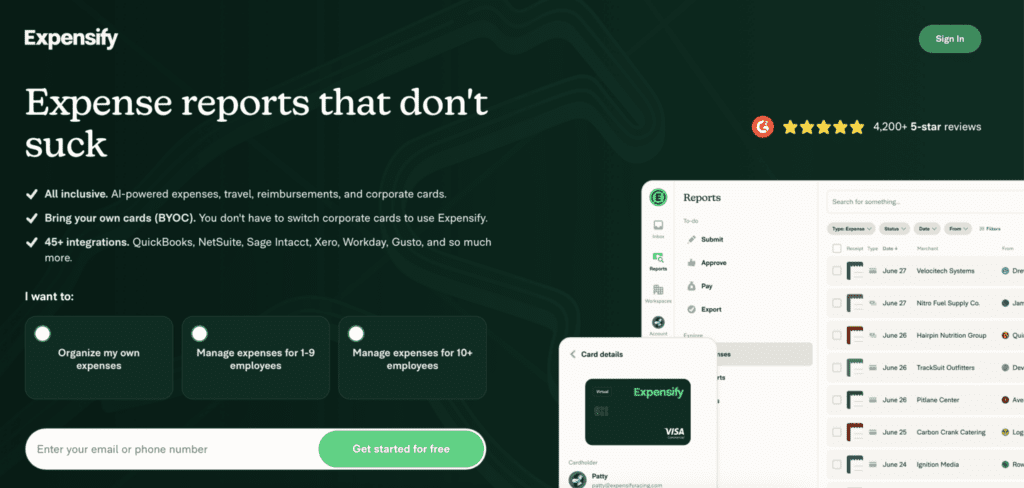
Employees can easily scan receipts and submit reports. As for managers, they set expense rules, track expenses, approve requests, and send payments. The finance or accounting team can do the same and sync Expensify with their accounting platform.
Top features:
- Smart receipt scanning.
- One-click report creation.
- Multi-layer approval workflows.
- Bring your own cards (BYOC): link corporate cards to Expensify and facilitate reconciliation.
- Integrations with QuickBooks, Xero, Oracle Netsuite, Sage Intacct, and more apps.
- Global reimbursements.
Best for: small and medium-sized businesses that want to automate much of their expense tracking with a simple tool, and/or have frequent travel or global expenses.
2. Zoho Expense
Another popular choice is Zoho Expense, the travel and expense management solution by Zoho. If you already use Zoho Books, this is a no-brainer. It’s user-friendly yet packed with features.
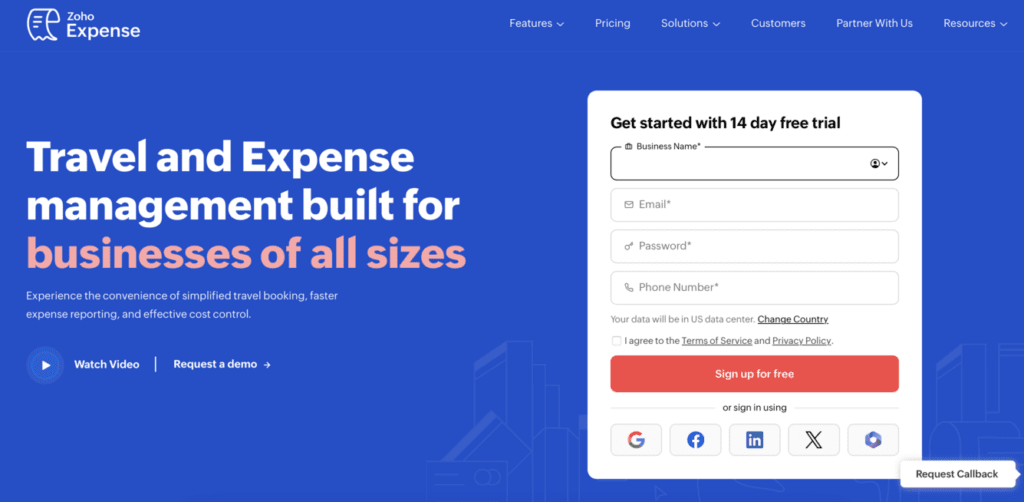
Users can scan receipts with their phone or other devices, and the automated workflows take care of most of the work. It’s also a budget-friendly solution – paid tiers start at $3 per user per month (when billed annually).
Top features:
- Automated categorization, report creation, reconciliation, and more.
- Create customized approval workflows and spending policies.
- Mileage tracking.
- Automate reconciliation and submission of corporate card spend in real-time.
- Integration with the Zoho Suite and other third-party tools.
Best for: Businesses that already use the Zoho ecosystem. Also, small and medium-sized businesses, startups, or travel-heavy teams that need a budget-friendly expense management tool.
3. QuickBooks
Next on our list is QuickBooks’ Expense Tracking Software. If you have a QuickBooks Online subscription, you get access to its built-in expense tracking feature, so you don’t have to pay anything for it – it’s already included in QuickBooks’s paid plans.
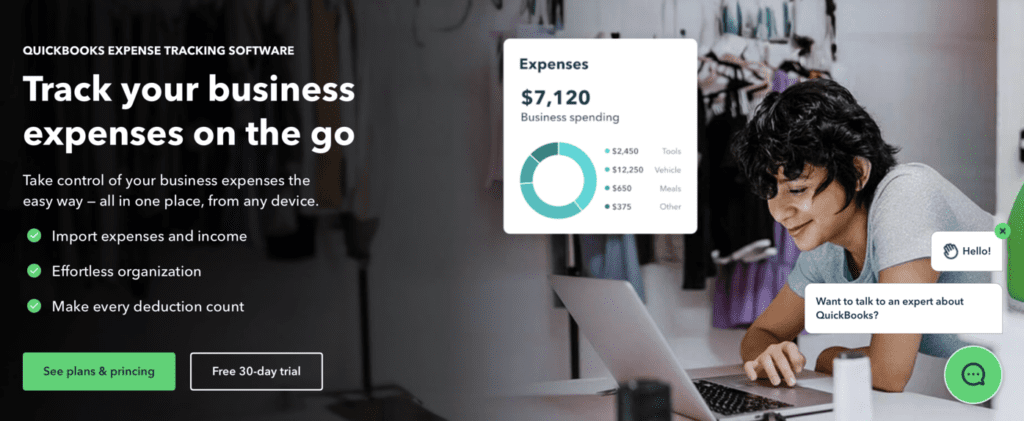
As you might expect from an accounting and bookkeeping powerhouse, QuickBooks gives you the features needed to automate and manage expenses: capture receipts, categorize transactions, approve expenses, generate reports, and more. And because data flows straight into the accounting system, users can monitor cash flow and track their financial performance without relying on separate tools.
That said, while QuickBooks often offers promotions for its plans, you should consider the regular monthly (or annual) cost beforehand.
Top features:
- Connect to your bank and credit card accounts to import and categorize expenses.
- Receipt capture.
- Insights and reports that can help you with tax preparation.
- Integrations with other tools.
- Mobile app with a scanning feature.
Best for: Naturally, QuickBooks customers don’t need to look elsewhere.
4. Ramp
Ramp is another popular expense management tool, known for its focus on AI and automation. It combines corporate cards, expense management, accounts payable, travel, and accounting automation in a single system.
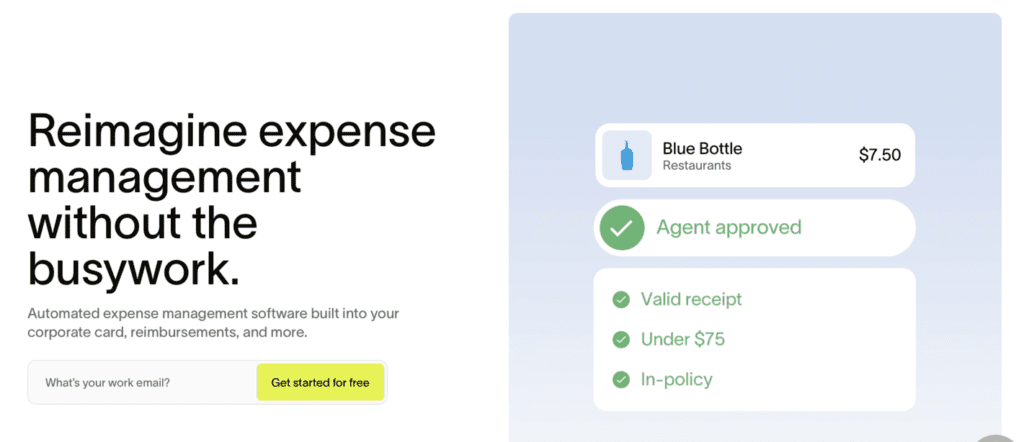
Ramp helps businesses control spending before it happens through built-in spend controls, automated approvals, and real-time visibility into company expenses. Transactions are automatically coded and reconciled, receipts are matched to purchases, and expense data syncs with accounting systems, reducing manual work for finance teams.
Top features:
- Corporate card with pre-set spend controls.
- Automated expense reporting and reimbursements.
- Spend control and limits.
- Real-time spending analytics and budgeting.
- 200+ integrations with accounting apps, ERPs, and other tools.
Best for: Fast-growing companies that want automation-first spending management.
5. SAP Concur Expense
To wrap up this list, we chose Concur Expense by SAP. This is an AI-powered spend management platform that helps businesses manage expenses, travel, and invoices from a single system.
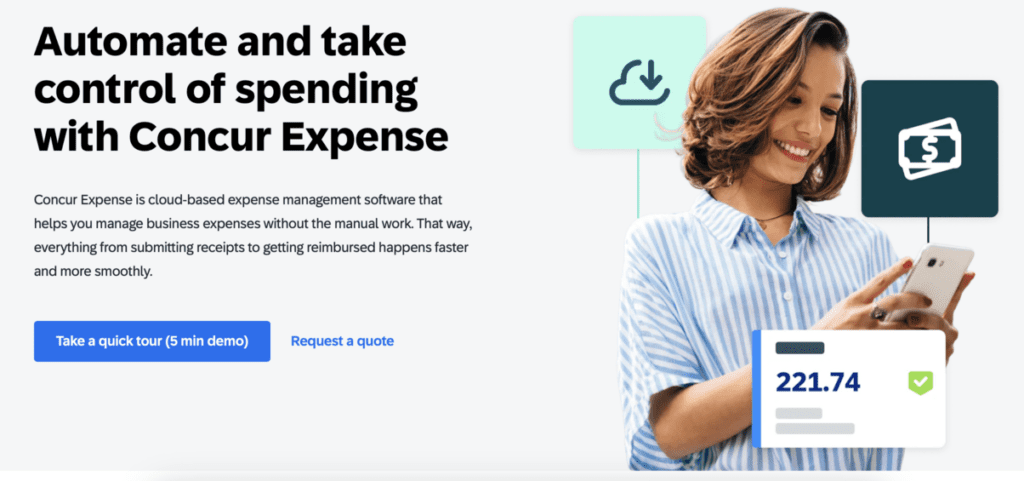
Concur Expense is designed for organizations that need strong controls and visibility over employee spending. Users can capture receipts, create expense reports, automate approval workflows, enforce spending policies, and generate detailed spending reports.
Keep in mind that even if you use SAP, you will have to pay for Concur Expense separately, as it is a distinct software product and not a built-in feature.
Top features:
- AI-powered receipt capture and expense reporting.
- Customize policies and approval workflows.
- Employees can submit expenses, and approvers can manage them from anywhere
- Real-time analytics and reporting.
- Integrations with accounting and ERP platforms.
Best for: Mid-sized and enterprise organizations that need advanced expense controls, compliance, and reporting.
How Docparser Complements Your Expense Tracking Software
While most expense tracking software includes a receipt scanning feature, businesses often receive expense-related documents from various sources, including invoices sent by email, supplier bills, scanned receipts, etc. Adding data from all those sources into your system accurately can become a challenge.
In a situation like this, Docparser can help. Our tool extracts data from receipts, invoices, and similar documents using AI-powered OCR and customizable parsing rules.
Essentially, you can upload documents directly, send them by email, or import them from the cloud into Docparser. Then, you build rules to extract the data fields you need. We have a parsing template that can automate this setup process. Docparser lets extract data such as:
- Vendor name
- Purchase date
- Receipt number
- Line items
- Subtotal
- Tax
- Total
Then, by setting up an outbound integration (via Zapier or a similar tool), you can send the receipt data to your expense tracking, accounting, or ERP system, such as:
- Expensify
- Zoho Expense
- QuickBooks Online
- Xero
- SAP
Whether you’re using Expensify, QuickBooks, Ramp, SAP Concur, or another expense management platform, Docparser can automate the first step of the process (extracting accurate data from documents) so your team doesn’t lose time on manual data entry and streamlines the expense approval and processing workflow.
Frequently Asked Questions
When do I need to use expense tracking software?
You need to start using expense tracking software when manual processes take too much time and cause mistakes. If employees find it difficult to submit expenses, and your team has trouble tracking expenses and maintaining visibility, you should start looking for a solution. Likewise, if your company is growing and the volume of expenses increases as well, you need a dedicated tool for expense management.
What should I look for in expense tracking software?
You should look for receipt scanning, automated categorization, approval workflows, integrations, and mobile access. Consider reporting and policy enforcement features, too. Of course, your company size and budget play a role in choosing the right tool, but be sure to pick one that’s user-friendly and integrates with your systems.
Which expense management software is the best for a small business?
Many small businesses use tools like Zoho Expense, QuickBooks, and Expensify. Zoho is budget-friendly, QuickBooks integrates well with accounting, and Expensify offers strong automation. The best option depends on whether you prioritize cost, simplicity, or advanced capabilities. That said, feel free to explore other options before making a decision.
Can expense tracking software integrate with my accounting software?
Yes, most expense tracking tools integrate with popular accounting platforms such as QuickBooks, Xero, or NetSuite. Integrations allow you to sync data between your expense tracker and accounting software, thus keeping consistent financial records.
Need to Enter Data into an Expense Report? Try Docparser
Many businesses still rely on manual expense tracking and are losing a lot of time and money because of it. Collecting pictures of receipts sent by employees and entering information on a spreadsheet or expense report is anything but efficient. But it doesn’t have to be this way.
If the expense tracking tool you use has limited OCR capabilities (or none), you can use Docparser to capture receipt data accurately and send it to your tracking software.
Docparser is a leading solution in automated data extraction. Businesses use it to quickly extract data from documents (including scans or photos) and export it to business tools. By capturing receipt data and sending it to your tracking tool, you will start the approval workflow much faster and without data entry errors. If this sounds like a potential boost to your productivity, sign up for a free trial and automate all the data entry processes across your organization.